 ENG
ENG FRA
FRA

Your cart is empty.
Call Now
+1 833 564-8226










Detail
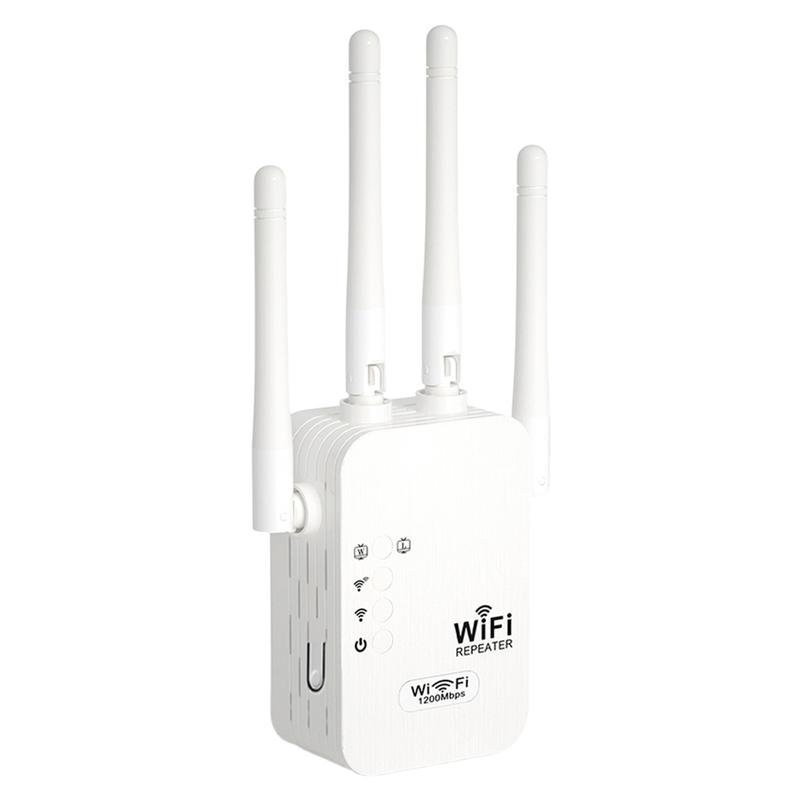
[ Coverage up to 10,000 sq.ft]Eliminate dead zones with 4 powerful antennas, providing strong and stable WiFi coverage throughout your home or office.
[ Blazing Fast 1200Mbps Speeds]Dual-band (2.4GHz & 5GHz) ensures ultra-fast, lag-free connectivity for smooth streaming, gaming, and rapid downloads.
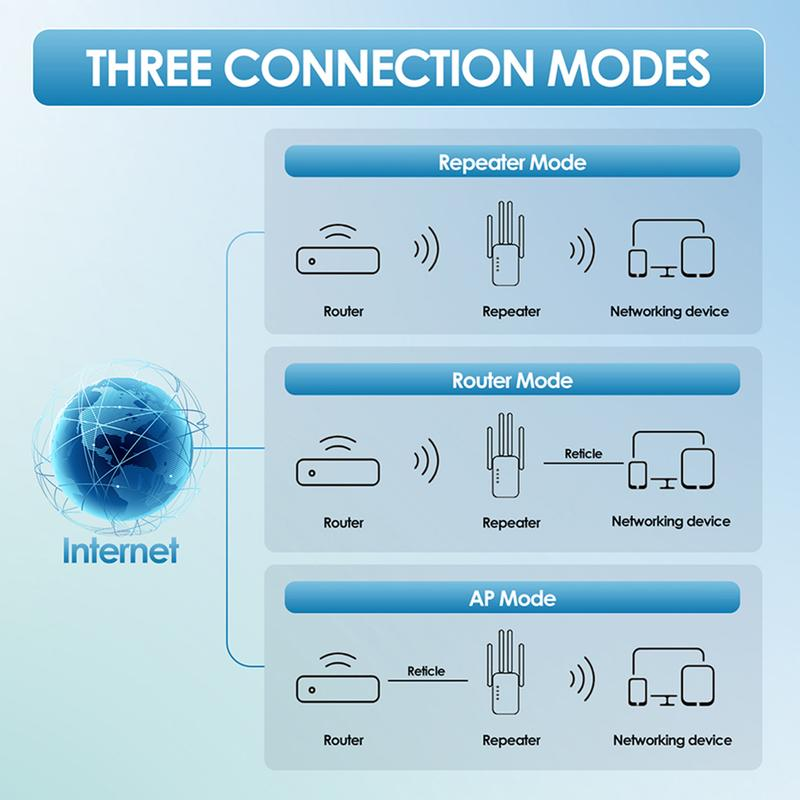
[ Three Flexible Modes]Supports Repeater, AP mode, and Ethernet port, allowing you to extend WiFi, create a new access point, or connect wired devices.
[ Advanced Security Protection]Utilizes WPA/WPA2 security protocols to safeguard your network, preventing unauthorized access and protecting your data.
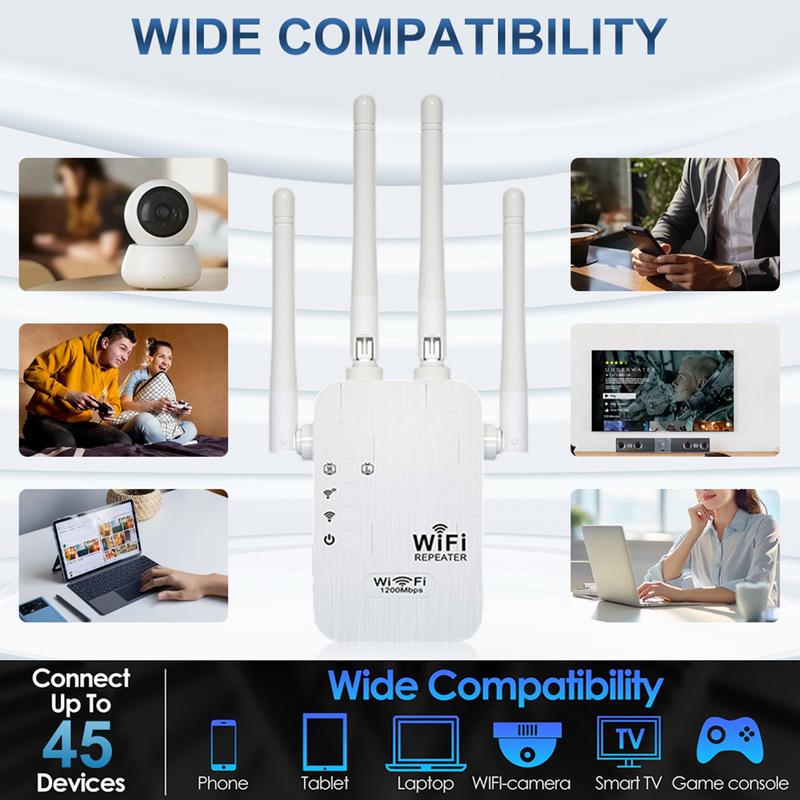
[️Wide Compatibility & Easy Setup]Works with most routers and devices, integrating seamlessly into your network with a quick and hassle-free setup.
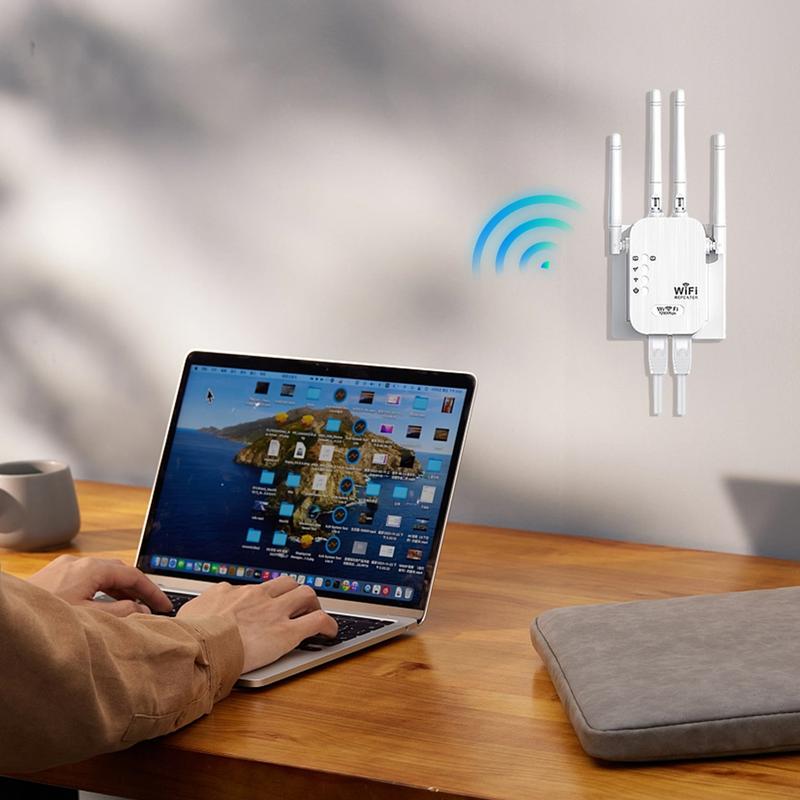


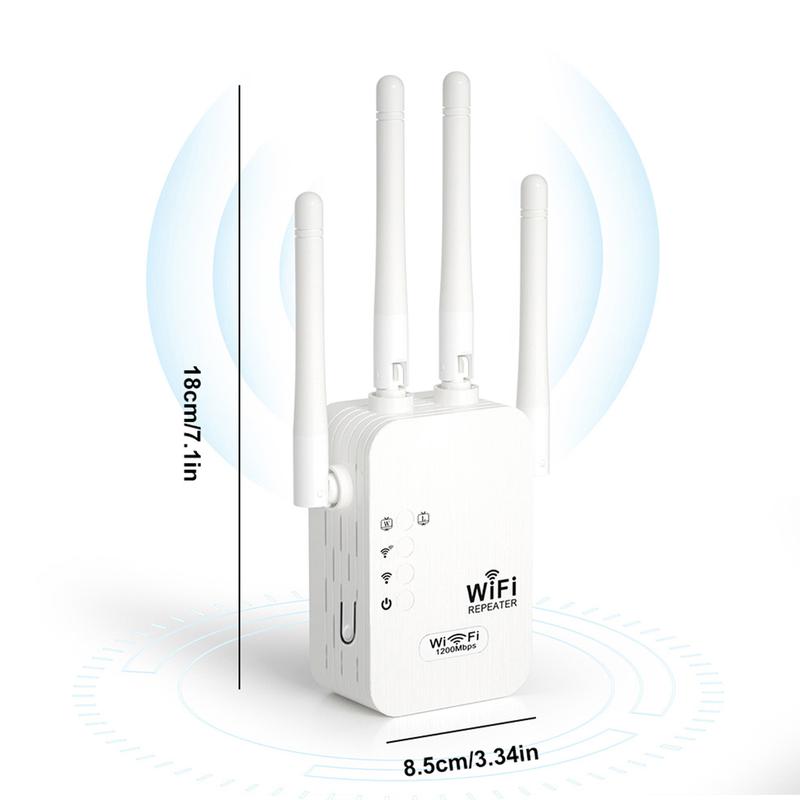
How to Set Up the HXDIW WiFi Extender (5GHz)
1, Plug in the extender – Place it halfway between your router and the area with a weak signal.2, Connect to the extender – On your phone or computer, go to WiFi settings and connect to the network named “Repeater-XXXX” (XXXX = random numbers).3, Open the setup page – It should open automatically. If not, open a browser and enter 192.168.10.1 in the address bar.4, Select “Repeater Mode Settings”.5, Choose your 5GHz home WiFi from the list.6, Enter your WiFi password – You can keep the same network name or set a new one.7, Click “Finish” – Wait 10–30 seconds for the setup to complete.8, Reconnect your devices to the new extended WiFi network.
Short Description
-
300Mbps Wifi, 1200Mbps Wifi





Reviews
There are no reviews yet.